















No products in the cart.
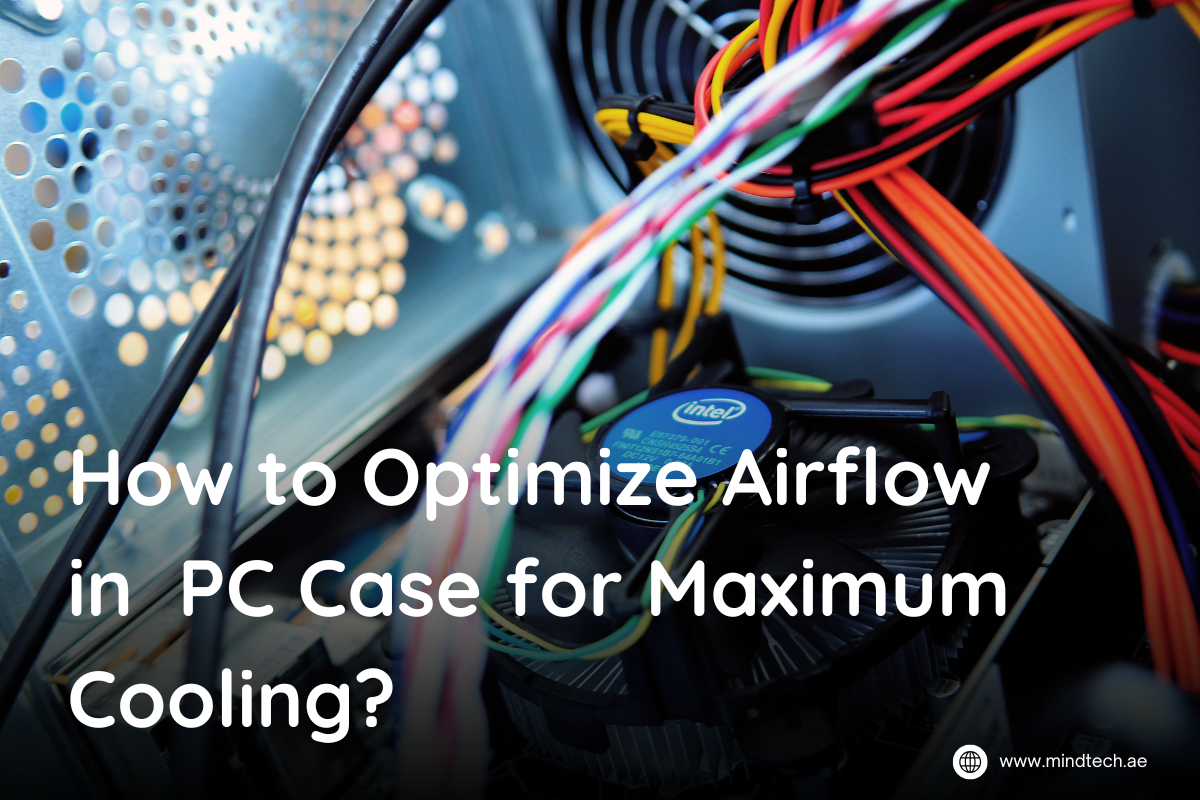
How to Optimize Airflow in PC Case for Maximum Cooling?
If you’re worrying about peak performance when everything is working fine, then you might need to check your airflow. The PC case works well with optimal cooling. Arranging your fans the right way can save you from future hassles as frequently opening your PC case and arranging everything is not what you want to do.
Most people don’t pay attention to airflow in their PC case, Optimize Airflow in PC Case makes sure your system remains cool and keeps running efficiently to increase performance and durability of your system as well. Poor airflow is not what you want to disrupt your performance, Mindtech will help you understand the basics of airflow, Optimize Airflow in PC Case, how you can choose the right fans, place them smartly to make sure you can get incredible performance without any worry in regards to cooling performance as fans are one of the easiest component in your PC through which you maximize your performance.
Understanding Airflow Basics:
Optimize Airflow in PC Case with this guide but let’s first understand the airflow basics and why airflow is important. It’s important to know how airflow works in your PC case, its orientation and connections. Airflow in a PC case helps to keep the temperature low as premium components generate heat when working. When you ensure proper airflow, heat trapped in the system is transferred out of your PC case.
Poor airflow can slow down your components performance but knowing about the design of PC case also is a crucial aspect. PC cases come in open-frame design or mesh front panels work well compared to solid metal or tempered glass fronts PC cases. The key is to opt for a well-ventilated case with alot of holes or mesh panel to ensure air flow in or out. Optimize Airflow in PC Case while keeping the ideal balance between positive airflow and negative airflow.
A positive airflow is when a case has more intake fans than exhaust fans, which forces air to move out quickly from the exhaust. However, a negative airflow is where a case has more exhaust fans that increases airflow but might increase dust buildup. Most common fan sizes are 120mm and 140mm that can move the same volume of air at a lower RPM and keeps the noise level reduced.
Ideal Fan Placement Strategy:
Placing your fans the right way is very important to get the right airflow to the system. There are two types of fans including intake fans and exhaust fans. Optimize Airflow in PC Case by ensuring an optimal balance of these fans. Intake fans maximize cool air into the case and are placed at the front and bottom of the case. Meanwhile, exhaust works by transferring heat out of the case and is placed at the top and rear of the case.
It is very important to keep a sweet balance between the exhaust and intake fans, this can make or break your airflow in PC. When you think about a cool PC case, what comes to mind is that intake fans should be able to bring cool air frequently while exhaust fans should be able to transfer the warm air quickly. Ideally, placing both fans in the same quantity works case but it may differ according to your cooling requirements and case design.
Choosing the Right Fans:
Fan comes in multiple sizes and selecting the right fan size for your PC case and cooling requirements can help you maximize airflow. First comes the fan size then its CFM which provides airflow rating and static pressure. High airflow fans are built to provide high volume or air through the holes in the case while high static pressure fans transfer heat quickly.
The Airflow in desktop pc also depends upon the RPM or Rotations Per Minutes which displays how fast a fan spins while noise level measured in decibels (dB) shows how much noise level your fans are operating. When choosing the right fans, go for a balance between CFM and dB according to your budget as high airflow and noise levels are also mandatory.
Cable Management and Cleanliness:
Another major point to ensure best fan setup for gaming pc is cable management. Poor cable management can reduce your airflow even if you’re doing everything else correctly. Poorly routed cables can come between the airflow in the case which can reduce airflow. When cables are organized accurately with the help of a motherboard tray, airflow can be maximized throughout the case.
When going for the best fan setup for gaming pc, use cable ties or velcro straps to securely tie the cables together and keep them away from the airflow paths. Ensuring a tidy case can make sure the air can move freely throughout the case and ensures the temperature is maintained.
Advanced Tips for Enthusiasts:
We have already understood how important airflow is, what to go for and its placement, cable management as well, let’s look at some tips especially for enthusiasts that can help you improve the airflow in your PC case.
- Opt for the Right Case: As we have discussed prior, choosing the right case is very important, go for mesh panels or open-frame design as they have a lot of ventilation holes.
- Place Fans Strategically: Placing the fans at their ideal position can increase airflow in the system and you might also want to experiment according to your PC case and cooling requirements. Ideally place intake fans at the front and exhaust fans at the top and rear.
- Efficient Cable Management: Keep the cables out of the way so airflow can pass easily in the PC case. Maximize airflow in gaming pc by routing your cables neatly to ensure there is no blockade.
- Clean your Case: It’s important to clean your fan, filters and inside the case weekly or monthly to avoid any dust buildup. You can also use a compressed air canister to blow out dust easily.
- Monitor Temperature & Adjust Speed: Even when you’ve done everything else, monitoring the temperature of your system is important with softwares like MSI Afterburner and others. Moreover, adjust fan speed according to your working and cooling needs.
Common Airflow Mistakes to Avoid:
- One of the most common airflow mistakes occurs when there is unbalanced airflow, usually due to too many intake fans or exhaust fans. It’s optimal to strike a balance between them or go for positive air pressure.
- If the airflow is blocked, then any type of fan placement won’t work. Keep your case clean, tidy and cables organized.
- Fans are quite easy to install but some people can install them the wrong way which leads to revered airflow. Check PC case airflow simulation direction on the fan frame.
- Not using dust filters is also a big problem. As they can save you from cleaning too much or can clog the fans and heatsinks as well.
Conclusion:
Airflow is an important aspect for every kind of user wanting to get maximum performance. PC fan airflow direction can enhance your performance and increase lifespan of your premium components as well. Just by following this guide, you can get maximum performance from your fans without doing too much. PC fan airflow direction is very crucial, moreover, managing cables, choosing quality fans, creating a balance is what you need. PC case airflow simulation is concerned, following this guide will assure you maximum airflow and cooling.
FAQs:
Q1: Does fan direction really matter for PC cooling?
Yes, correct fan orientation ensures proper airflow, pushing hot air out and pulling cool air in for effective cooling.
Q2: How many fans do I need in my PC case?
Most mid-tower cases work well with 3–5 fans: 2 intake (front) and 1–2 exhaust (rear/top) for balanced airflow.
Q3: Can poor cable management affect airflow?
Absolutely. Tangled or poorly routed cables can block airflow and trap heat, reducing overall cooling efficiency.
Q4: Should I go for positive or negative airflow?
Positive airflow (more intake than exhaust) helps reduce dust buildup. However, balanced airflow is generally the safest and most efficient.


About author

Related posts

Looking for the perfect motherboard for your next gaming or productivity build? The right choice can make all the difference... Continue reading
When it comes to choosing the right PC case, gamers and builders alike want three things: powerful airflow, sleek design,... Continue reading

When building or upgrading a workstation, space and efficiency often matter just as much as performance. That’s where low-profile GPUs... Continue reading

When it comes to professional workstations, size doesn’t always define power. Many engineers, designers, and creators today rely on low-profile... Continue reading

Choosing between SSD Storage vs Cloud Storage can feel like deciding between buying a sports car and booking unlimited rides... Continue reading